
Overview
In today’s retail landscape, seamless integration between physical stores and online channels is no longer optional. Shopify POS (Point of Sale) combined with ecommerce platforms empowers businesses to unify sales, inventory, and customer experiences across all touchpoints. This article explores Shopify POS integration, its practical use cases, and actionable strategies for developers, store owners, and SEO specialists aiming to optimize both online and offline commerce.
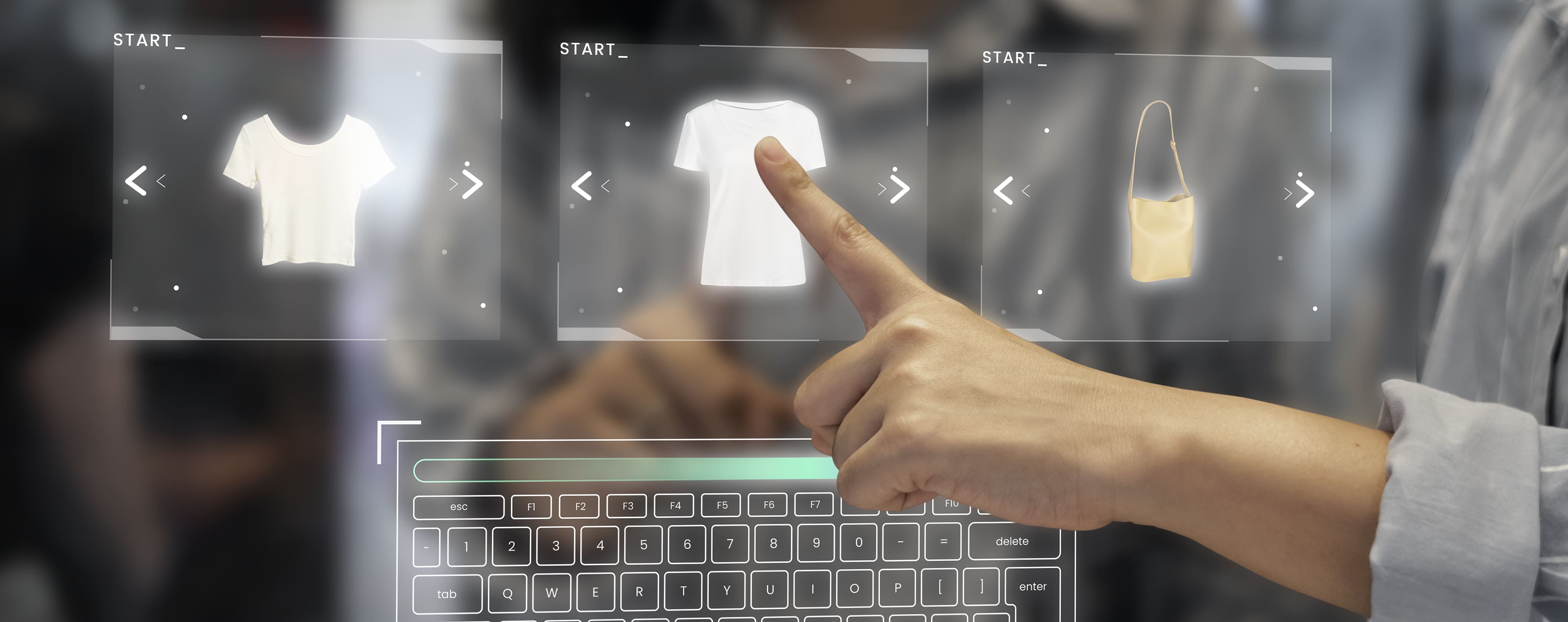
Understanding Shopify POS Integration
Shopify POS integration connects your physical store’s point-of-sale system with your online Shopify store. This synchronization ensures that inventory, sales data, and customer information flow seamlessly between both channels, enabling an omnichannel experience.
Key benefits include:
• Inventory Synchronization: Track stock in real-time, preventing overselling or stockouts
• Unified Customer Data: Capture customer preferences and purchase history across online and offline channels
• Omnichannel Flexibility: Offer features like Buy Online, Pick Up In Store (BOPIS) and ship-from-store
• Simplified Reporting: Consolidate sales reports from both physical and online stores in one dashboard
Why Integration Matters
Without proper integration, businesses risk:
• Stock discrepancies between online and offline stores
• Confusing pricing or promotional inconsistencies
• Poor customer experience, leading to abandoned carts and lost loyalty
Integrating Shopify POS with e-commerce is the backbone of modern omnichannel retail.
Use Case Examples
1. Small Boutique Retailer
A boutique selling apparel uses Shopify POS in-store and Shopify ecommerce online. With integration:
• Inventory is automatically updated when a customer purchases a shirt online or in-store
• Customer loyalty points earned in-store reflect in their online account
• Seasonal promotions are consistent across all channels
2. Multi-Location Retail Chain
A chain with three stores and an online store can:
• Enable BOPIS for online orders at the nearest store
• Adjust inventory levels per location to optimize fulfillment
• Run location-specific promotions while maintaining centralized reporting
3. Omnichannel Expansion for Small Businesses
A home decor brand selling on Instagram, online, and at pop-up stores can:
• Sync POS data with Shopify to reflect accurate stock across all platforms
• Launch limited-time products online and in-store without overselling
• Provide personalized recommendations using integrated customer data
Implementation Strategies
1. Choose the Right Shopify POS Plan
• Shopify POS Pro offers advanced features like staff roles, detailed reporting, and omnichannel selling
• Evaluate your business needs, including the number of locations, inventory complexity, and reporting requirements
2. Set Up Inventory Synchronization
• Link online and in-store inventory to prevent stock discrepancies
• Automate updates for low-stock alerts, backorders, and new shipments
3. Integrate Payment Systems
• Shopify POS supports multiple payment methods, including Apple Pay, Google Pay, and traditional cards
• Ensure payment options are consistent across channels for customer convenience
4. Optimize Checkout Experience
• Offer BOPIS, curbside pickup, and ship-from-store options
• Provide real-time inventory visibility to online shoppers

Pros & Cons of Shopify POS + Ecommerce Integration
Pros:
• Real-time inventory tracking
• Unified reporting across channels
• Improved customer experience
• Streamlined omnichannel operations
Cons:
• Requires initial setup and training
• Costs may increase with multiple locations or advanced POS features
• Potential technical glitches if not maintained properly
Common Mistakes to Avoid
• Ignoring Inventory Updates: Failing to sync stock can lead to overselling
• Underestimating Staff Training: Employees must understand POS workflows and features
• Neglecting Omnichannel SEO: Product pages should be optimized for both in-store and online visibility
• Overcomplicating Checkout: Confusing processes reduce conversions and frustrate customers
Shopify POS Integration Checklist
• Choose the right POS plan
• Sync inventory across online and physical stores
• Integrate payment systems consistently
• Enable BOPIS, curbside pickup, and ship-from-store
• Optimize product pages for search visibility
• Train staff on POS usage
• Monitor performance and adjust workflows regularly
Seamless integration between your online store and physical locations is essential for modern retail success. Plus972 helps businesses connect Shopify POS with ecommerce platforms, ensuring real-time inventory, unified reporting, and a consistent customer experience across all channels.
From system setup and workflow optimization to staff training and SEO-ready product pages, our team delivers fully integrated omnichannel solutions that drive sales and loyalty.
Ready to unify your retail experience?
Contact Plus972 to implement Shopify POS + ecommerce integration that works for your business.